Bruce Firmware · Volume 2
Bruce Firmware Volume 2 — The Supported-Device Matrix
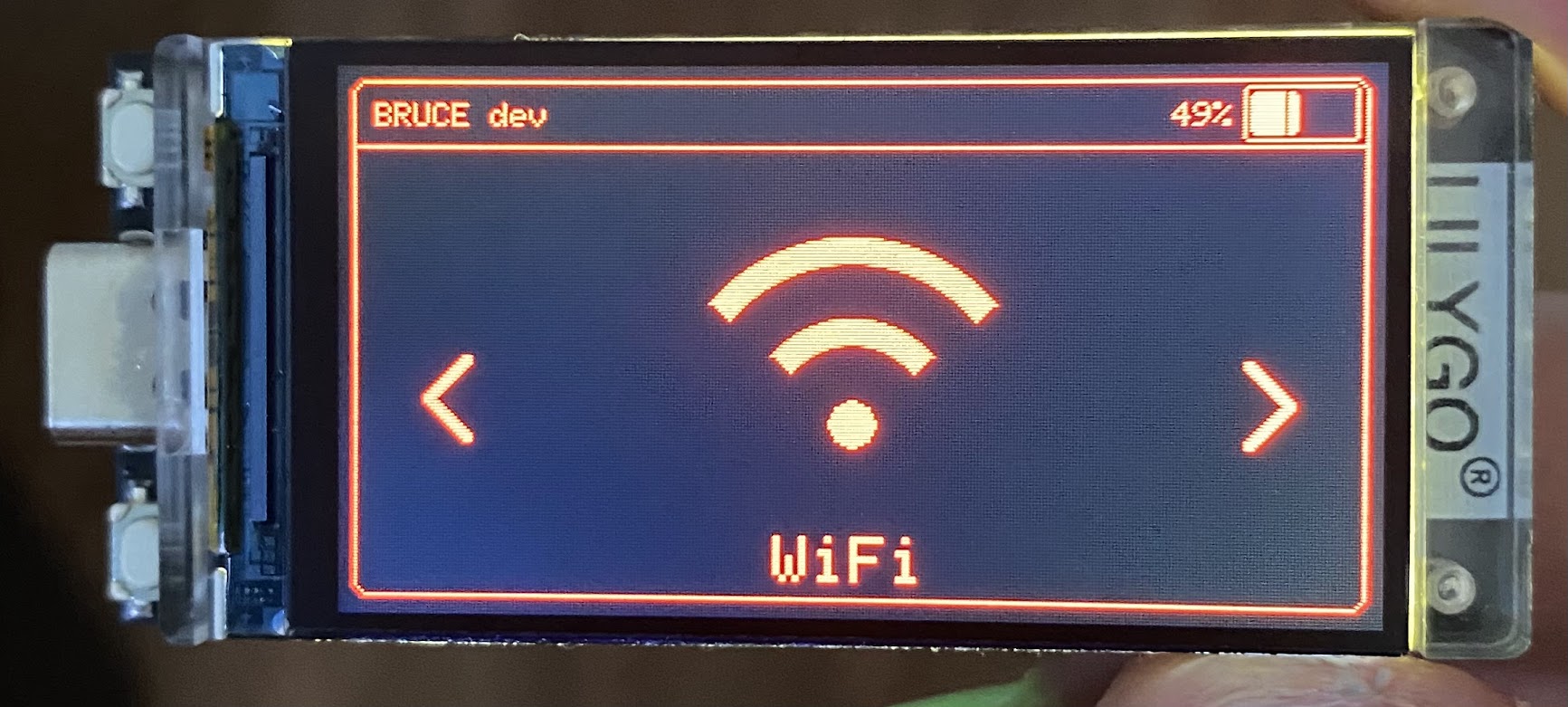
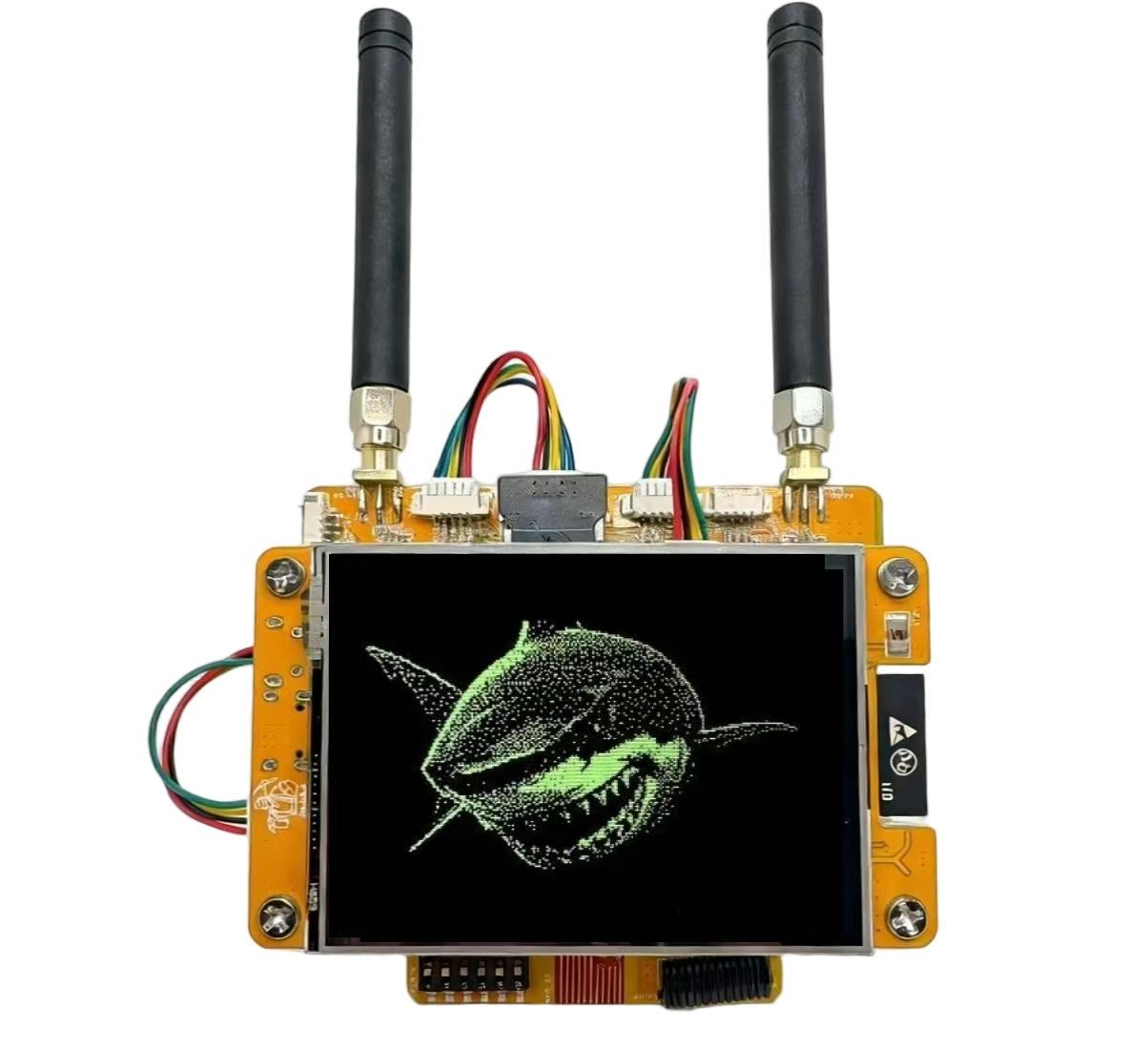
2.1 About this Volume
This volume is the answer to “what can I flash Bruce on?” It is the centre of the whole dive, for the reason set out in Vol 1: Bruce’s defining strength is not any single capability but the breadth of hardware it runs on, behind one UI. The firmware’s reach across boards is its headline feature, so the board matrix is the headline artefact.
It contains two load-bearing tables and nothing that should be read past them:
- §3 — the master “Where this firmware runs” support table. One row per supported board and per distinct build variant, with its SoC, its build target, its feature level, and where to obtain it. This is the canonical “what can I flash this on” reference and is kept complete.
- §4 — the per-board capability matrix. The devices as rows against Bruce’s own capability columns (CC1101, NRF24, PN532/NFC, FM, Mic, BadUSB, RGB, Speaker, Fuel Gauge, PSRAM, LITE), mirroring the compatibility table in the project’s README.
Sections 5–8 then walk each hardware family — M5Stack, LILYGO, CYD, Elecrow and the bare/generic targets — explaining why the feature columns fall as they do. §9 points at Bruce’s own PCBs, which get their own volume (Vol 3). §10 closes on the three boards this hub already documents or owns, which are the practical on-ramps.
Authoritative source. The living per-cell truth is the compatibility table in the repository README at
github.com/BruceDevices/firmware(=pr3y/Bruce) and the board pages atbruce.computer/boards. Where a specific cell below is inferred from board hardware rather than read directly off that table, it is marked. The column set and the LITE footnote are taken verbatim from the README.# 2. How to read the matrix
The columns are Bruce’s own. The README compatibility table uses exactly these feature columns: CC1101, NRF24, FM Radio, PN532, Mic, BadUSB, RGB Led, Speaker, Fuel Gauge, LITE_VERSION. This dive adds SoC, Display, PSRAM and Battery context columns because they decide which build a board can even hold (Vol 5). Every one of the feature columns is also a compile-time capability flag in the HAL — the mechanism that gates a feature in or out per board is the subject of Vol 4; here it is enough to know that a column is ticked only when that board’s build enables it.
A feature can be native, added, or absent. Many boards have no CC1101, NRF24 or NFC on the PCB but can drive one over wires. The matrix therefore distinguishes three states:
 ● native / on-board — the chip or capability is on the board itself
 ○ via external module — not on-board, but Bruce supports wiring one
 (see Vol 4 "External Modules")
 — not available / not listed
 ² board ships a LITE_VERSION build (Launcher size ceiling) — see Vol 5
BadUSB depends on the USB path. Native USB-HID BadUSB needs a chip whose USB can enumerate as a keyboard — the ESP32-S3 boards do this directly; classic ESP32 boards need an external CH9329 USB-HID bridge (Vol 4). So a BadUSB tick can mean either “native” or “with the CH9329 module,” and the matrix marks which.
“Feature level” is the honest one-word summary. A board with a large flash/PSRAM budget, a screen, a mic and a keyboard (the Cardputer) carries nearly everything; a tiny watch or pager carries almost nothing but BadUSB. The master table’s feature level column states that bluntly so a reader is not surprised.
Why the gating matters for buying decisions. Two boards with the same SoC can land in very different places on this matrix because one has a mic, an RGB LED and a fuel gauge on the PCB and the other does not. The SoC tells you what the silicon can do; the capability columns tell you what this board actually does under Bruce. Read both.
2.2 Where this firmware runs — the master support table
This is the canonical support table. One row per board and per distinct build variant; a LITE build is a separate row from the full build of the same board because it is a different artefact with different contents (Vol 5). For boards that are themselves Hack Tools hub tools, the hub’s exact tool name is written in the cell so the cross-reference linker resolves it; for other boards, the vendor is named.
Table 1 — 3. Where this firmware runs — the master support table
| Board / device | SoC | Build target / variant | Feature level / notes | Where to get it |
|---|---|---|---|---|
| M5Stack Cardputer ADV | ESP32-S3 | per-board PlatformIO env (full) | Broadest feature set — screen, QWERTY, mic, speaker, IR; native USB BadUSB | M5Stack (hub tool: the M5Stack Cardputer ADV) |
| M5Stack Cardputer (v1.1) | ESP32-S3 | PlatformIO env (full) | Very broad — the reference Bruce board | M5Stack shop |
| M5Stick S3 / StickS3 | ESP32-S3 | PlatformIO env (full) | Supported; compact wearable form | M5Stack (hub tool: the M5Stick S3) |
| M5StickC PLUS2 | ESP32 (classic) | PlatformIO env | Compact; RGB LED, fuel gauge; BadUSB via CH9329 | M5Stack shop |
| M5StickC PLUS (1.1) | ESP32 (classic) | PlatformIO env + LITE² | LITE build available; small flash | M5Stack shop |
| M5Core BASIC | ESP32 (classic) | PlatformIO env | Screen, speaker; classic-ESP32 USB path | M5Stack shop |
| M5Core2 | ESP32 (classic) | PlatformIO env | Touch screen, speaker, battery | M5Stack shop |
| M5CoreS3 / SE | ESP32-S3 | PlatformIO env (full) | Native USB BadUSB; mic; SD-conflict fix in 1.16.1 | M5Stack shop |
| LILYGO T-Embed CC1101 | ESP32-S3 | PlatformIO env (full) | On-board CC1101 — sub-GHz without external wiring | LILYGO |
| LILYGO T-Embed CC1101 Plus | ESP32-S3 | PlatformIO env (full) | On-board CC1101; revised board | LILYGO |
| LILYGO T-Embed | ESP32-S3 | PlatformIO env (full) | Encoder UI; no on-board CC1101 | LILYGO |
| LILYGO T-Display-S3 | ESP32-S3 | PlatformIO env (full) | Screen; native USB BadUSB | LILYGO |
| LILYGO T-Deck / T-Deck Pro | ESP32-S3 | PlatformIO env (full) | Keyboard + trackball; BLE keyboard target | LILYGO |
| LILYGO T-Watch-S3 | ESP32-S3 | PlatformIO env | Feature-thin — ≈ BadUSB only | LILYGO |
| LILYGO T-LoRa Pager | ESP32-S3 | PlatformIO env | Feature-thin — ≈ BadUSB only; encoder fix in 1.16.1 | LILYGO |
| JCZN CYD-2432S028 (ESP32-2432S028R) | ESP32 (classic) | PlatformIO env + LITE² | 2.8” CYD; LITE build for Launcher compatibility | AliExpress / generic |
| CYD-3248S035 | ESP32 (classic) | PlatformIO env | 3.5” CYD variant | AliExpress / generic |
| NM-CYD-C5 + RF HAT | ESP32-C5 | PlatformIO env (C5) | Dual-band-capable C5 CYD + RF HAT; C5 stabilising | NetMods / generic |
| Elecrow 2.4”B (24B) | ESP32 (classic) | PlatformIO env + LITE² | LITE build available | Elecrow |
| Elecrow Advance 3.5” S3 | ESP32-S3 | PlatformIO env + LITE² | LITE build available | Elecrow |
| Bare ESP32 | ESP32 (classic) | generic env | Headless / WebUI / CH9329 BadUSB | any ESP32 devkit |
| Bare ESP32-S3 | ESP32-S3 | generic env | Native USB BadUSB; headless/WebUI | any ESP32-S3 devkit |
| ESP32-C5 | ESP32-C5 | generic env (C5) | Newly supported, stabilising; dual-band silicon | C5 devkits |
| Bruce RF REAPER | ESP32-S3 N16R8 | first-party devkit (full) | Richest integrated hardware — CC1101+NRF24+ST25R3916 NFC+GPS+IR+Flipper header (Vol 3) | shop.bruce.computer / Elecrow |
| Bruce PCB V2 (“Smoochiee”) | ESP32-S3-WROOM-1 | first-party PCB (full) | CC1101+NRF24+AW9523 expander, 16/8 MB (Vol 3) | Elecrow (“Bruce PCB V2 Smoochiee”) |
| Bruce Ultramarines | (M5Stick host) | add-on PCB for M5Stick | Compact expander PCB for M5Sticks (Vol 3) | shop.bruce.computer |
| Pirata PCB | (M5StickC Plus host) | add-on PCB for M5StickC Plus | NRF24 + CC1101 switch support (Vol 3) | shop.bruce.computer |
² = board ships a LITE_VERSION build for Launcher compatibility; what LITE drops is detailed in Vol 5.
Three facts to carry out of this table:
- SoC family predicts the USB-BadUSB path. ESP32-S3 rows get native USB HID; classic-ESP32 rows need the CH9329 bridge.
- On-board CC1101 is rare and valuable. Only the LILYGO T-Embed CC1101 / CC1101 Plus and Bruce’s own PCBs integrate it; every other board needs an external CC1101 module to do sub-GHz (Vol 8).
- LITE is a different product. The four ² rows (M5StickC PLUS, CYD-2432S028, Elecrow 24B, Elecrow 3.5”) cannot hold the full feature set and ship reduced. Choosing one of those boards is choosing the LITE build.
2.3 The per-board capability matrix
This is the per-board feature matrix, in the project’s own columns. It mirrors the README compatibility table; cells inferred from board hardware rather than read directly off that table are marked, and the authoritative per-cell truth remains the repo README.Legend: ● native/on-board · ○ via external module · — none/not listed · C BadUSB via CH9329 bridge · N BadUSB native USB · ² ships a LITE build.
Table 2 — 4. The per-board capability matrix
| Board | SoC | CC1101 | NRF24 | PN532 (NFC) | FM | Mic | BadUSB | RGB | Speaker | Fuel gauge | PSRAM | LITE |
|---|---|---|---|---|---|---|---|---|---|---|---|---|
| Cardputer ADV | S3 | ○ | ○ | ○ | ○ | ● | N | — | ● | ● | ● | — |
| Cardputer (1.1) | S3 | ○ | ○ | ○ | ○ | ● | N | — | ● | ● | ● | — |
| M5Stick S3 | S3 | ○ | ○ | ○ | ○ | ● | N | — | ● | ● | ● | — |
| M5StickC PLUS2 | ESP32 | ○ | ○ | ○ | ○ | ● | C | ● | ● | ● | — | — |
| M5StickC PLUS (1.1) | ESP32 | ○ | ○ | ○ | ○ | ● | C | — | ● | ● | — | ² |
| M5Core BASIC | ESP32 | ○ | ○ | ○ | ○ | — | C | — | ● | — | — | — |
| M5Core2 | ESP32 | ○ | ○ | ○ | ○ | ● | C | — | ● | ● | — | — |
| M5CoreS3 / SE | S3 | ○ | ○ | ○ | ○ | ● | N | — | ● | ● | ● | — |
| T-Embed CC1101 | S3 | ● | ○ | ○ | ○ | ○ | N | — | ○ | ● | ● | — |
| T-Embed CC1101 Plus | S3 | ● | ○ | ○ | ○ | ○ | N | — | ○ | ● | ● | — |
| T-Embed | S3 | ○ | ○ | ○ | ○ | ○ | N | — | ○ | ● | ● | — |
| T-Display-S3 | S3 | ○ | ○ | ○ | ○ | — | N | — | — | ○ | ● | — |
| T-Deck / Pro | S3 | ○ | ○ | ○ | ○ | ● | N | — | ● | ● | ● | — |
| T-Watch-S3 | S3 | — | — | — | — | ○ | N | — | ● | ● | ● | — |
| T-LoRa Pager | S3 | — | — | — | — | ○ | N | — | ○ | ● | ● | — |
| CYD-2432S028 | ESP32 | ○ | ○ | ○ | ○ | — | C | ○ | ○ | — | — | ² |
| CYD-3248S035 | ESP32 | ○ | ○ | ○ | ○ | — | C | ○ | ○ | — | — | — |
| NM-CYD-C5 + RF HAT | C5 | ○ | ○ | ○ | ○ | — | C | ○ | ○ | — | — | — |
| Elecrow 2.4”B | ESP32 | ○ | ○ | ○ | ○ | — | C | — | ○ | — | — | ² |
| Elecrow Adv 3.5” S3 | S3 | ○ | ○ | ○ | ○ | — | N | — | ○ | — | ● | ² |
| Bare ESP32 | ESP32 | ○ | ○ | ○ | ○ | — | C | — | — | — | — | — |
| Bare ESP32-S3 | S3 | ○ | ○ | ○ | ○ | — | N | — | — | — | ○ | — |
| ESP32-C5 | C5 | ○ | ○ | ○ | ○ | — | C | — | — | — | — | — |
| RF REAPER | S3 N16R8 | ● | ● | ●¹ | ○ | — | N | ● | ● | ● | ● | — |
| Bruce PCB V2 | S3-WROOM-1 | ● | ● | ○ | ○ | — | N | — | — | ○ | ● | — |
¹ RF REAPER uses an ST25R3916 NFC front-end rather than a PN532 (Vol 3 and Vol 9). The matrix marks the NFC column ● for it because NFC is on-board, but the reader chip is not a PN532.
Reading the matrix as a whole:
 feature breadth by board class (schematic)

 RF REAPER / Bruce PCB V2 ████████████████████ everything on-board
 Cardputer / Cardputer ADV ██████████████████░░ broadest M5 (ext RF modules)
 T-Embed CC1101 ██████████████░░░░░░ on-board CC1101, rest external
 M5Core2 / CoreS3 / Stick ████████████░░░░░░░░ solid, RF external, BadUSB
 CYD / Elecrow (LITE) ████████░░░░░░░░░░░░ screen+Wi-Fi/BLE, CH9329 BadUSB
 T-Watch-S3 / T-LoRa Pager ███░░░░░░░░░░░░░░░░░ ≈ BadUSB only
The pattern that explains almost every row: on-board radios are rare; Bruce makes up the gap with external modules. Nearly every board can be pushed up the breadth scale by wiring a CC1101, an NRF24 and a PN532 to it (Vol 4). What a board ships with decides where it starts; what Bruce lets you wire decides where it can get to. The two boards that need nothing wired — RF REAPER and PCB V2 — are Bruce’s own, which is exactly their reason to exist (Vol 3).
2.3.1 Lifting a board’s row — the external modules
Because most of the ○ cells above become ● once a module is wired on, the matrix has a second, implicit dimension: what a board can become. Bruce’s HAL knows a fixed set of external modules and their pinouts (the wiring is documented per board under “External Modules” and “Wiring Diagrams,” Vol 4). Each module, once attached, enables the subsystem it serves:
Table 3 — Because most of the ○ cells above become ● once a module is wired on, the matrix has a second, implicit dimension: what a board can become. Bruce's HAL knows a fixed set of external modules and their pinouts (the wiring is documented per board under "External Modules" and "Wiring Diagrams," Vol 4). Each module, once attached, enables the subsystem it serves
| External module | Bus | Column it lifts (○ → ●) | Subsystem (volume) |
|---|---|---|---|
| CC1101 (e.g. E07-433M20S) | SPI | CC1101 — sub-GHz | RF (Vol 8) |
| nRF24L01+ (e.g. E01-2G4M27SX) | SPI | NRF24 — 2.4 GHz | NRF24 (Vol 7) |
| PN532 / PN532Killer | I2C/SPI/HSU | PN532 — NFC | RFID/NFC (Vol 9) |
| CH9329 USB-HID bridge | UART | BadUSB (on classic ESP32) | BadUSB (Vol 9) |
| GPS (e.g. ATGM336H) | UART | wardriving geotag | Wi-Fi (Vol 6) |
| W5500 Ethernet | SPI | wired Ethernet | Connect (Vol 6) |
| microSD | SPI | scripts, captures, bruce.conf | storage (Vol 4) |
The practical consequence is that the matrix’s “feature level” is a floor, not a ceiling, for any board with spare I/O. A bare ESP32-S3 with a screen looks thin in §4 — but wire a CC1101, an nRF24 and a PN532 to it and it reaches most of the RF REAPER’s capability (minus the GPS, iButton and Flipper header, and minus the clean integrated layout). What the RF REAPER and PCB V2 sell is not a capability no other board can reach; it is having reached it reliably, on one board, without jumper wires (Vol 3).
Buying read. If a board already owned has spare GPIO and an SD slot, the cheapest path to RF-capable Bruce is a handful of modules, not a new board. If starting from nothing, one of Bruce’s own PCBs (Vol 3) is less total friction than assembling the same radios on a breadboard. The dividing line is whether reliable integration or minimum spend matters more.
2.4 The M5Stack family
M5Stack is the family Bruce grew up on, and it is where the firmware is richest. The spread inside the family is wide:
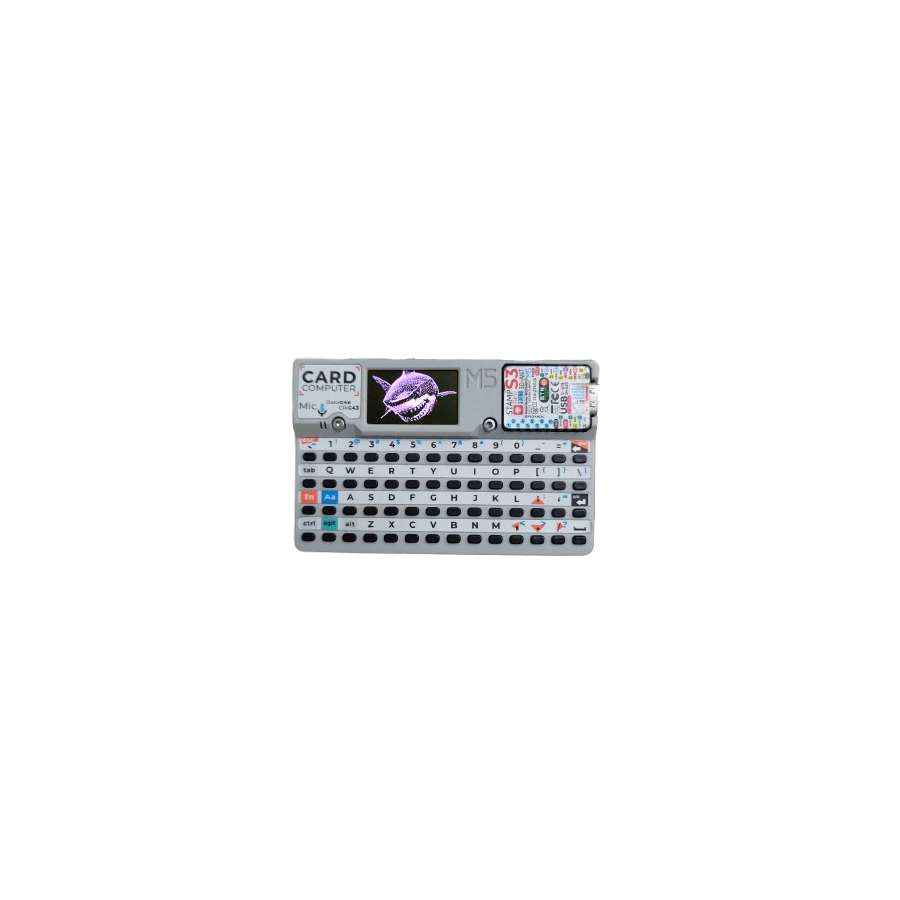
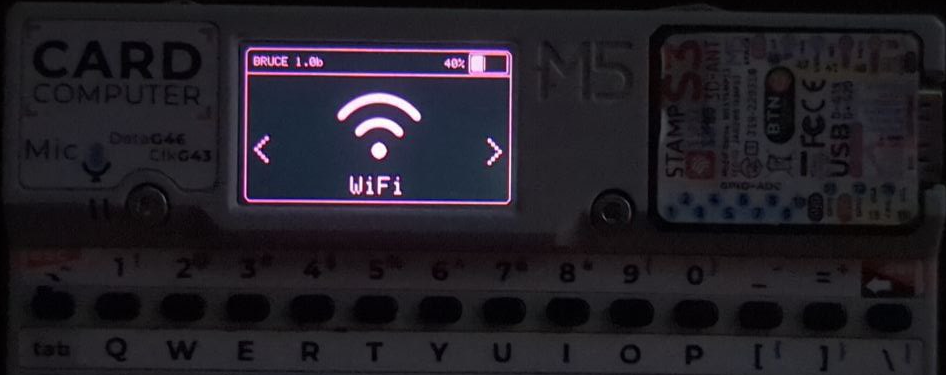
- Cardputer / Cardputer ADV (ESP32-S3). The broadest-featured boards Bruce runs on. A full QWERTY, a 1.14” screen, an on-board mic and speaker, IR, PSRAM, a fuel gauge and native USB give it nearly every capability column without external wiring except the RF radios. The M5Stack Cardputer ADV is a tool this hub documents in its own right; Bruce turns it into a one-handed multi-tool that drives Wi-Fi, BLE, IR and (with a wired CC1101/NRF24/PN532) the RF and NFC subsystems. It is the single most capable “gear you already own” target (§10).
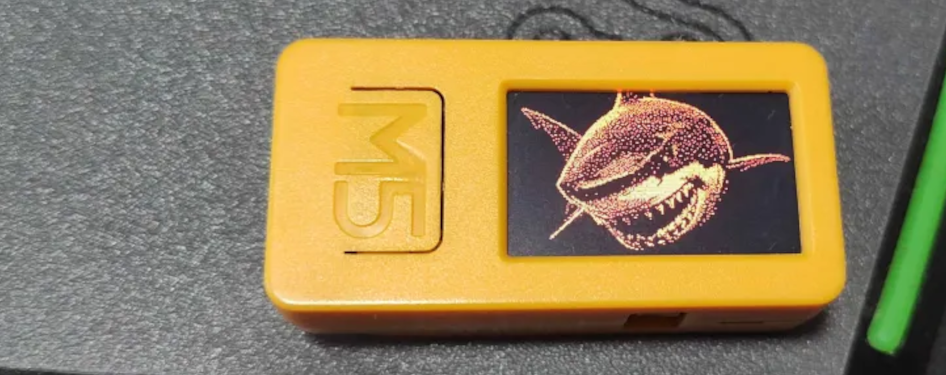
- M5Stick S3 / StickS3 (ESP32-S3). A supported wearable-scale board — the M5Stick S3 in this hub. Smaller screen and no keyboard, but native USB BadUSB, a mic, and the S3’s PSRAM keep its feature level solid. It pairs naturally with the Bruce Ultramarines add-on PCB (Vol 3), which is purpose-built for M5Sticks.
-
M5StickC PLUS2 / PLUS 1.1 (classic ESP32). The classic-ESP32 sticks. The PLUS2 adds an RGB LED; both carry a fuel gauge and are fine Wi-Fi/BLE/IR hosts. BadUSB on classic ESP32 needs the CH9329 bridge. The PLUS 1.1 ships a LITE build because of its small flash. The Pirata PCB (Vol 3) is built around the M5StickC Plus, adding a switchable NRF24 + CC1101.
-
M5Core BASIC / Core2 (classic ESP32). The “block” form factor — larger screen (Core2 is touch), speaker, and on Core2 a battery and fuel gauge. Solid general hosts; RF radios external.
-
M5CoreS3 / SE (ESP32-S3). The S3 refresh of the Core line — native USB, mic, PSRAM. v1.16.1 specifically fixed an SD-card conflict on CoreS3, a reminder that the per-board support is actively maintained rather than frozen.
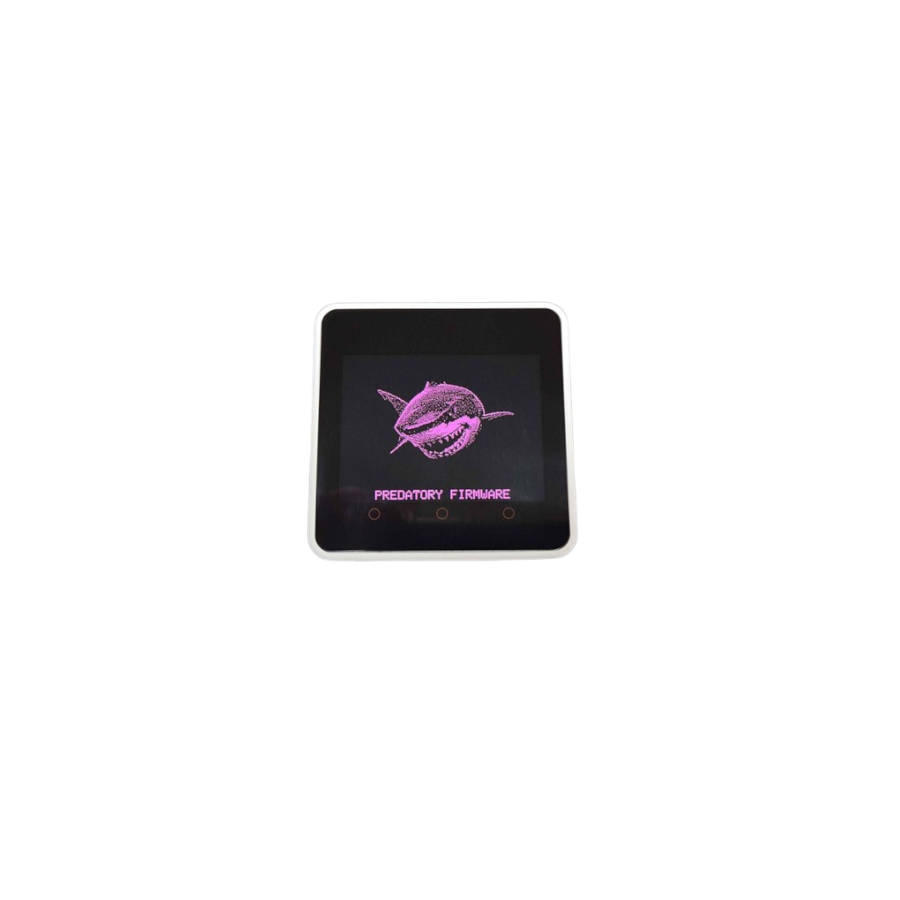
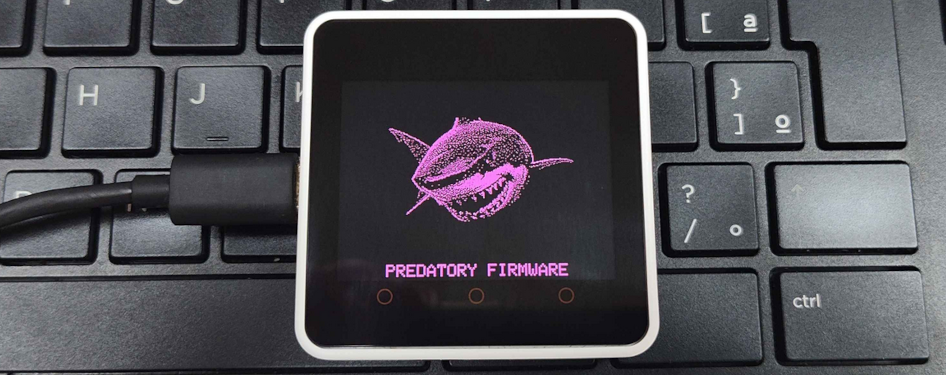
The M5 family’s other structural advantage is OTA via M5Launcher and flashing via M5Burner (Vol 5): M5 boards can carry Bruce as one app among several and update it over the air — which is also why the LITE build exists, because the launcher imposes a size ceiling.
2.5 The LILYGO family
LILYGO boards are the other well-supported family, and they split cleanly into “feature-rich” and “feature-thin”:
-
T-Embed CC1101 / CC1101 Plus (ESP32-S3). The standout: an on-board CC1101, so sub-GHz works without wiring a module. Combined with the S3’s native USB, PSRAM and an encoder-driven UI, these are among the best off-the-shelf boards for RF work under Bruce short of buying one of Bruce’s own PCBs.
-
T-Embed (ESP32-S3). Same encoder UI without the on-board CC1101 — a general host that needs an external CC1101 for sub-GHz.
-
T-Display-S3 (ESP32-S3). A screen-forward S3 board; native USB BadUSB, no mic. A clean, cheap, widely-available S3 host.
-
T-Deck / T-Deck Pro (ESP32-S3). A physical keyboard plus trackball — which makes it a natural BLE-keyboard target and a comfortable host for the scripting interpreter (Vol 9).
-
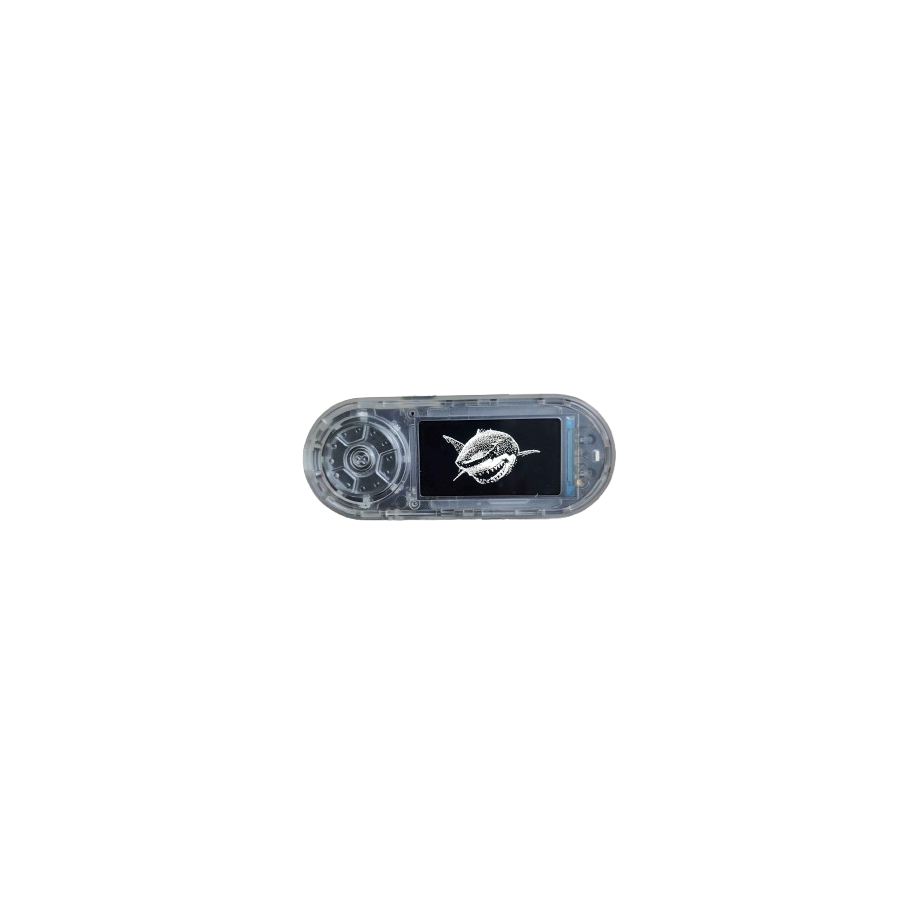
T-Watch-S3 and T-LoRa Pager (ESP32-S3). The feature-thin end of the matrix: so little exposed I/O and form-factor room that Bruce’s support is effectively BadUSB only. They run the firmware and can act as HID injectors, but they are not RF or NFC platforms. v1.16.1 fixed the T-LoRa Pager’s encoder, so basic support continues to be maintained, but the feature ceiling is low by design of the hardware.
2.6 The CYD family and the C5 HAT
The CYD — “Cheap Yellow Display,” the generic ESP32 touchscreen boards built around the ESP32-2432S028R and relatives — is the budget on-ramp to Bruce and the family this hub covers in neighbouring dives (SquachWatch and HaleHound both target CYD-class hardware).
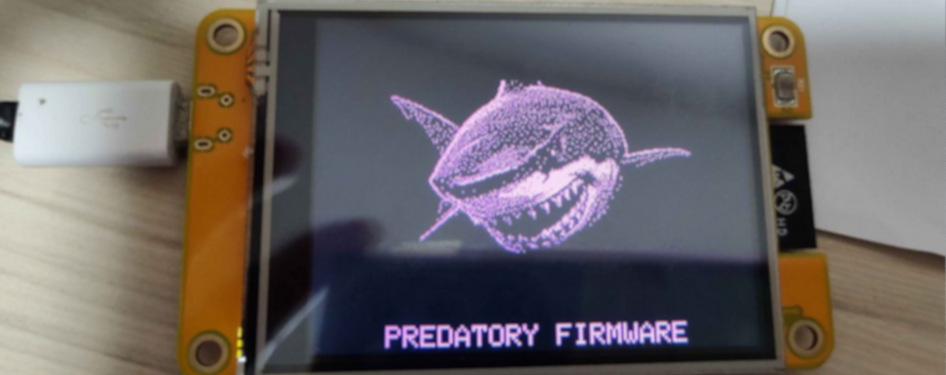
- JCZN CYD-2432S028 (classic ESP32, 2.8”). The canonical CYD. It runs Bruce, but on classic-ESP32 silicon with modest flash, so it ships the LITE build “for Launcher Compatibility.” That trade is the clearest worked example of the LITE cut and is detailed in Vol 5. BadUSB needs the CH9329 bridge; RF/NFC radios are external.
- CYD-3248S035 (classic ESP32, 3.5”). The larger-screen CYD variant, same classic-ESP32 story.
- NM-CYD-C5 + RF HAT (ESP32-C5). A newer CYD built on the ESP32-C5 — the dual-band (2.4/5 GHz-capable) RISC-V part — paired with an RF HAT. C5 support in Bruce is new and stabilising; v1.16.1 shipped C5 BLE crash fixes, which places this board at the “works, actively being hardened” stage rather than “mature.”
The CYD family’s importance is not its feature ceiling — it is low — but its price and ubiquity. A CYD is the cheapest way to put Bruce on a screen, and because this hub already treats CYD hardware as a platform (SquachWatch, HaleHound), a CYD on the bench is a ready Bruce target.
CYD naming trap. “CYD” is a family, not a part number, and the resistive-vs-capacitive touch, USB-port count and PSRAM presence vary between batches of nominally the same board. Bruce’s support is keyed to specific variants (the ESP32-2432S028R for the 2.8” board); a visually identical board from a different run can have a different display controller or touch chip and fail to match the build. This is the same variant-confusion that the SquachWatch dive documents at length for the CYD. When a flash “does not work on a CYD,” the first suspect is a variant mismatch, not the firmware.
2.7 Elecrow, bare ESP32 and the ESP32-C5
-
Elecrow 2.4”B (24B) and Advance 3.5” S3. Elecrow’s own ESP32 touchscreen boards. The 24B is classic ESP32 and ships a LITE build; the Advance 3.5” is an S3 board (native USB, PSRAM) and also has a LITE build listed. Elecrow is also the manufacturer of Bruce’s own PCBs (Vol 3), so the relationship is closer than “just another supported board.”
-
Bare ESP32 and ESP32-S3. Bruce provides generic build targets for plain devkits with no screen. These are driven headless — over the WebUI (the board’s own AP), Serial, or headless keyboard shortcuts (Vol 4) — and are a legitimate way to run Wi-Fi/BLE and (with wired modules) RF/NFC work on the cheapest possible silicon. The S3 variant gets native USB BadUSB; the classic variant uses CH9329.
-
ESP32-C5. The newly supported target, and the one to watch. The C5 is Espressif’s dual-band (2.4 + 5 GHz) RISC-V SoC, which is strategically important because almost everything else Bruce runs on is 2.4 GHz-only. Support is stabilising rather than finished — the 1.16.1 C5 BLE crash fixes are evidence of that — so it is marked throughout this dive as the active frontier. Note the gap: there is no ESP32-C3 target listed; the C3 is not claimed, and nothing here should be read as supporting it.
 SoC generations Bruce targets
 ┌───────────────┬───────────────┬───────────────┐
 │ ESP32 classic │ ESP32-S3 │ ESP32-C5 │
 │ Xtensa 2-core │ Xtensa 2-core │ RISC-V │
 │ 2.4 GHz only │ 2.4 GHz only │ 2.4 + 5 GHz │
 │ CH9329 BadUSB │ native USB │ CH9329 BadUSB │
 │ older boards │ most new │ new/stabilis- │
 │ (CYD, Core, │ boards (Card- │ ing (NM-CYD- │
 │ Elecrow 24B) │ puter, T-*) │ C5 + HAT) │
 └───────────────┴───────────────┴───────────────┘
 (no ESP32-C3 target — do not assume it)
2.8 Bruce’s own PCBs — pointer to Vol 3
Four of the rows in §3 are hardware Bruce’s own team designed, manufactured through Elecrow and sold through shop.bruce.computer. They exist to solve the one limitation the whole matrix exposes — that off-the-shelf boards rarely integrate CC1101, NRF24 and NFC — by putting all of it on one board.
In one line each, with the full treatment in Vol 3:
- RF REAPER — ESP32-S3 N16R8 (16 MB flash / 8 MB PSRAM) with on-board CC1101 (E07-433M20S), nRF24 (E01-2G4M27SX), ST25R3916 NFC, GPS (ATGM336H), IR TX/RX, iButton, microSD, buzzer/vibration, an AW9523 expander and a Flipper-Zero-compatible header. The richest integrated Bruce platform.
- Bruce PCB V2 (“Smoochiee”) — ESP32-S3-WROOM-1, CC1101 + nRF24 + AW9523 expander, 16/8 MB, USB-C power; sold via Elecrow as “Bruce PCB V2 Smoochiee.”
- Bruce Ultramarines — a compact add-on PCB for M5Sticks.
- Pirata PCB — an add-on for the M5StickC Plus with a switchable NRF24 + CC1101.
See Vol 3 for the BOM, the external-module chips, Elecrow availability and the 3D-printable case.
2.9 Which hub gear already runs Bruce
The firmware’s strongest practical case is “flash it on hardware already on the bench.” Three boards this hub documents are supported Bruce targets, which makes them the natural entry points:
Table 4 — The firmware's strongest practical case is "flash it on hardware already on the bench." Three boards this hub documents are supported Bruce targets, which makes them the natural entry points
| Hub tool | Bruce support | What it unlocks | Build |
|---|---|---|---|
| M5Stack Cardputer ADV | Full, broadest feature set | Wi-Fi, BLE, IR, mic/FFT, QWERTY-driven UI, scripting; RF/NFC with wired modules | Full |
| M5Stick S3 | Full | Compact wearable multi-tool; native USB BadUSB, mic; pairs with Ultramarines PCB | Full |
| CYD-2432S028 | Supported | Cheapest screen-based Bruce; Wi-Fi/BLE, CH9329 BadUSB | LITE (Vol 5) |
The reading for a buying or flashing decision:
- If a Cardputer ADV is on the bench, it is the best Bruce host already owned — nearly the full feature set, no new hardware required beyond optional RF/NFC modules.
- If a M5Stick S3 is on the bench, Bruce turns it into a pocket multi-tool, and the Bruce Ultramarines PCB (Vol 3) is the purpose-built expander for it.
- If only a CYD is to hand, Bruce still runs — but as the LITE build, so SSH/Telnet/WireGuard, the heavier Wi-Fi tooling and the scripting interpreter are absent (exactly what LITE drops is Vol 5). For a CYD-native experience, this hub’s SquachWatch and HaleHound dives cover firmwares designed for that board class from the start.
The order of preference among owned gear is therefore Cardputer ADV → M5Stick S3 → CYD, and it tracks the build each gets: the two S3 boards run the full firmware with the broad feature set, while the classic-ESP32 CYD runs LITE. That is not a quality judgement on the CYD — it is the cheapest board here by a wide margin — but it is the fact that decides which board to reach for when the goal is “the most Bruce with the least new spend.”
One caution before the capability volumes: the matrix tempts a reader to buy for the longest row. That is usually the wrong optimisation. The feature-thin boards (T-Watch-S3, T-LoRa Pager) exist because a wearable or pager form factor is the point, not the feature count; the LITE boards exist because price and availability are the point. A board should be chosen for the job and the form, then its row read to confirm the needed columns are present or liftable (§4 “Lifting a board’s row”) — not the other way round. The one unambiguous statement the matrix supports is the negative one: if a column is — on a board and cannot be lifted by an external module, that capability simply is not available there, and no firmware setting will conjure it.
The capabilities those builds expose — at the category level, with the legal framing from Vol 1 §10 — are the subject of Vols 6–9. How the per-board builds are assembled from one source tree, and how the external modules are wired in, is Vol 4. The hardware in the table’s last four rows is Vol 3, next.
Comments (0)